You haven't signed in yet, you can have a better experience after signing in
*Please complete the payment within {{receiveCouponInfo.expire_at}}Previous use*
You haven't signed in yet, you can have a better experience after signing in



Activity Rules
1、Activity time:{{ info.groupon.start_at }} ~ {{ info.groupon.end_at }}。
1、Activity time:cease when sold out。
2、Validity period of the Group Buying:{{ info.groupon.expire_days * 24 }} hours。
3、Number of Group Buying:{{ info.groupon.need_count }}x。
Please Pay Attention
1、Teamwork process: Join/initiate a Group Buying and make a successful payment - Within the validity period, the number of team members meets the activity requirements - Group Buying succeeded!
2、If the number of participants cannot be met within the valid period, the group will fail, and the paid amount will be refunded in the original way.
3、The number of people required and the time of the event may vary among different products. Please pay attention to the rules of the event.
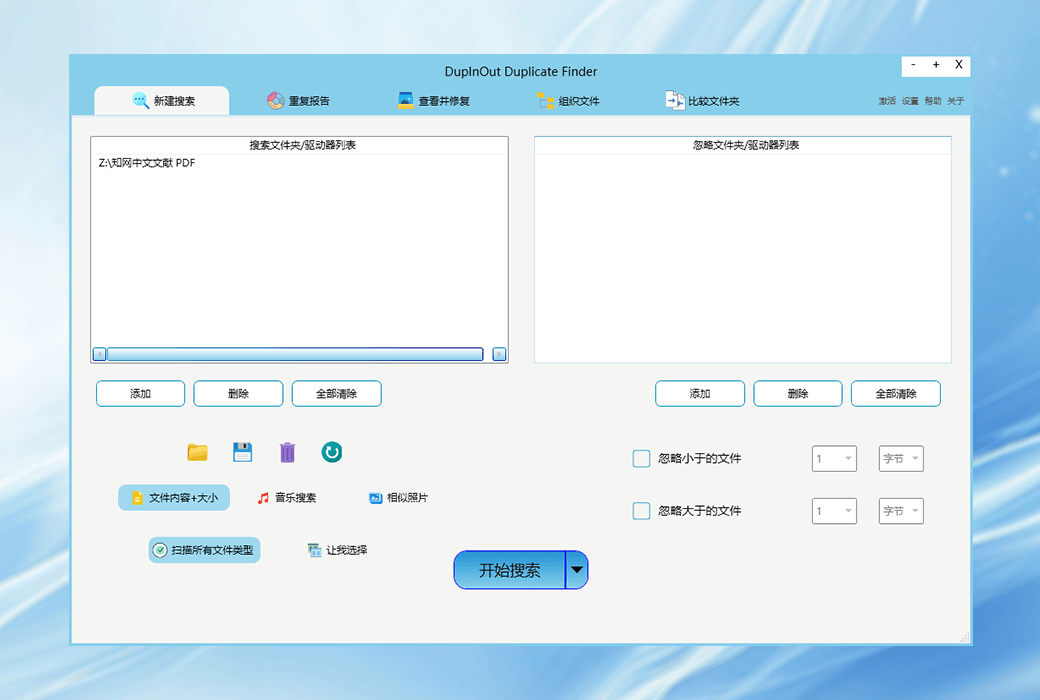
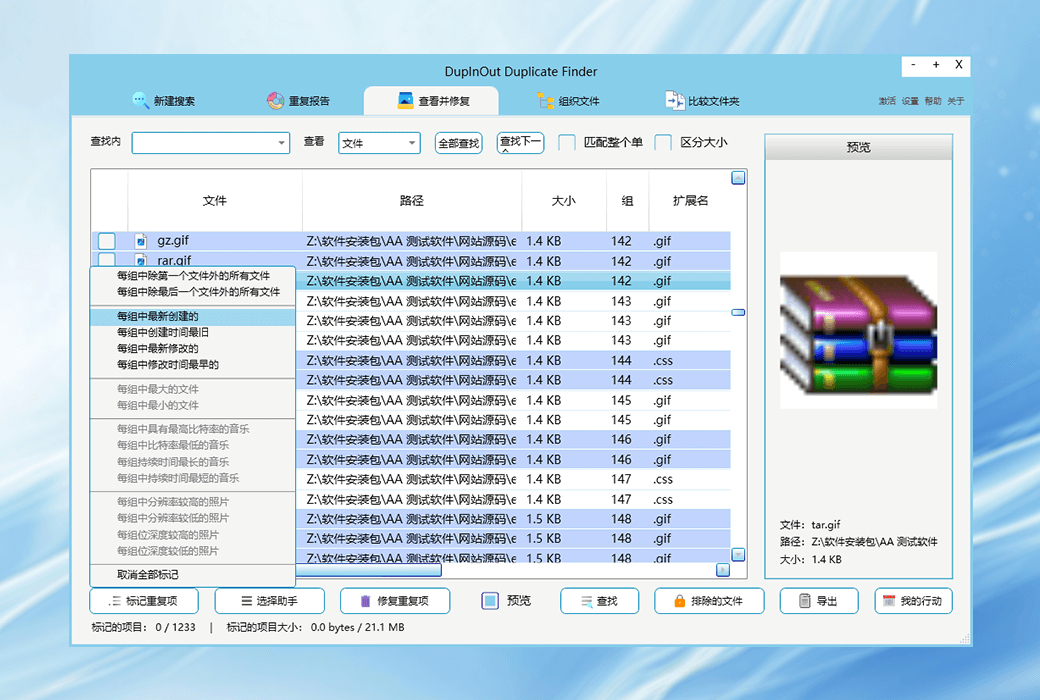
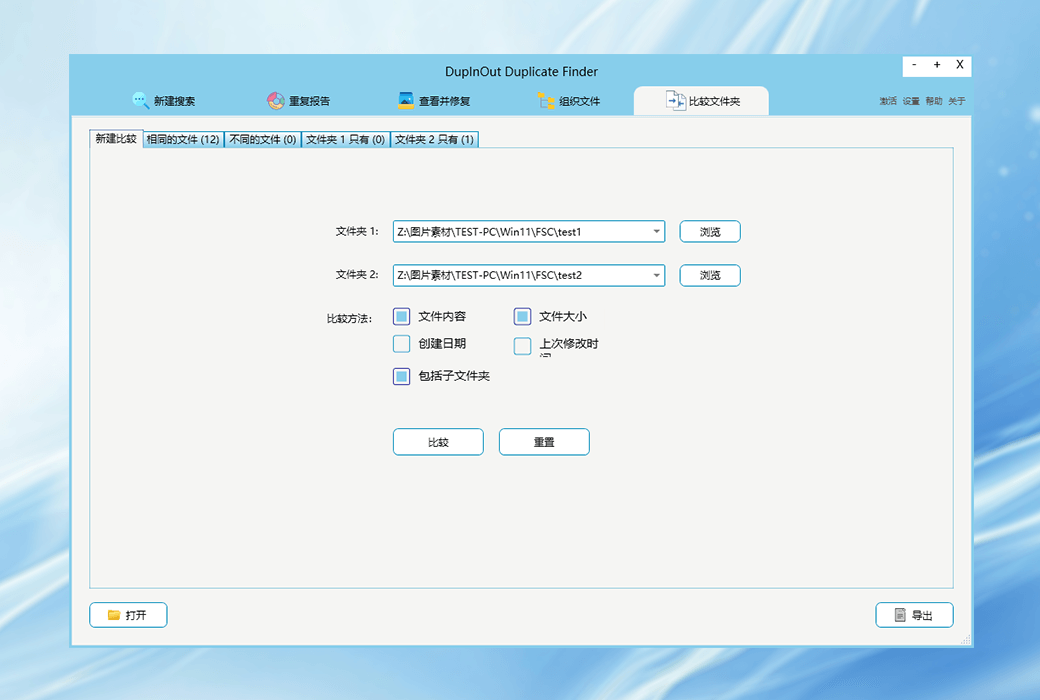
In the era of information explosion, we generate a large amount of data every day. Along with it comes the problem of duplicate files, which not only occupy valuable storage space but also make file management complex. DupInOut Duplicate Finder provides you with a perfect solution.
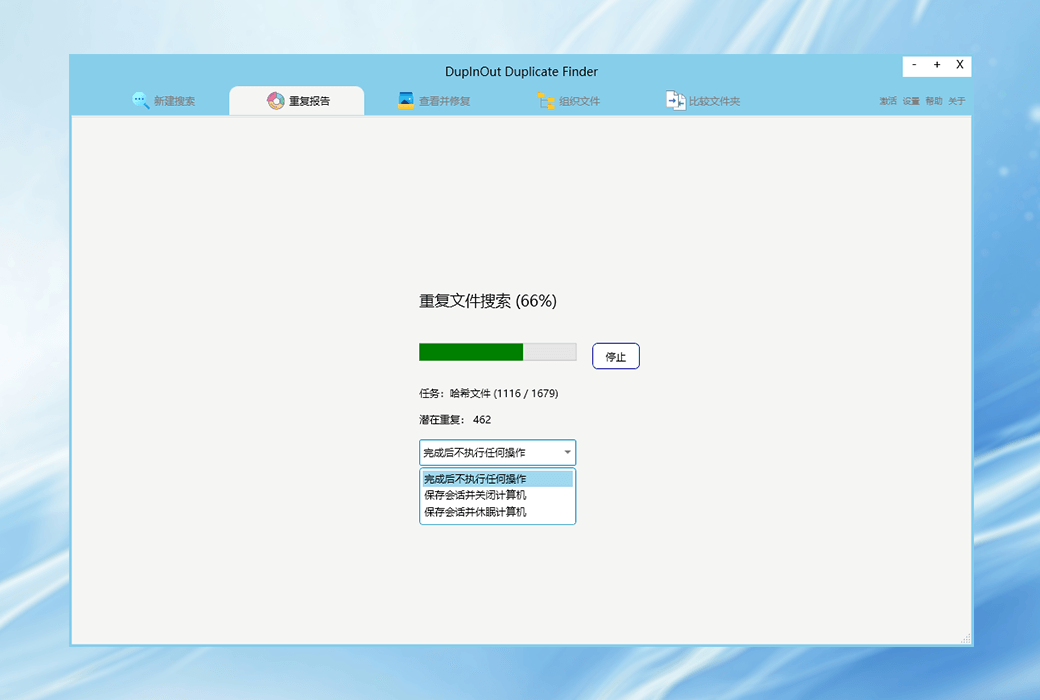
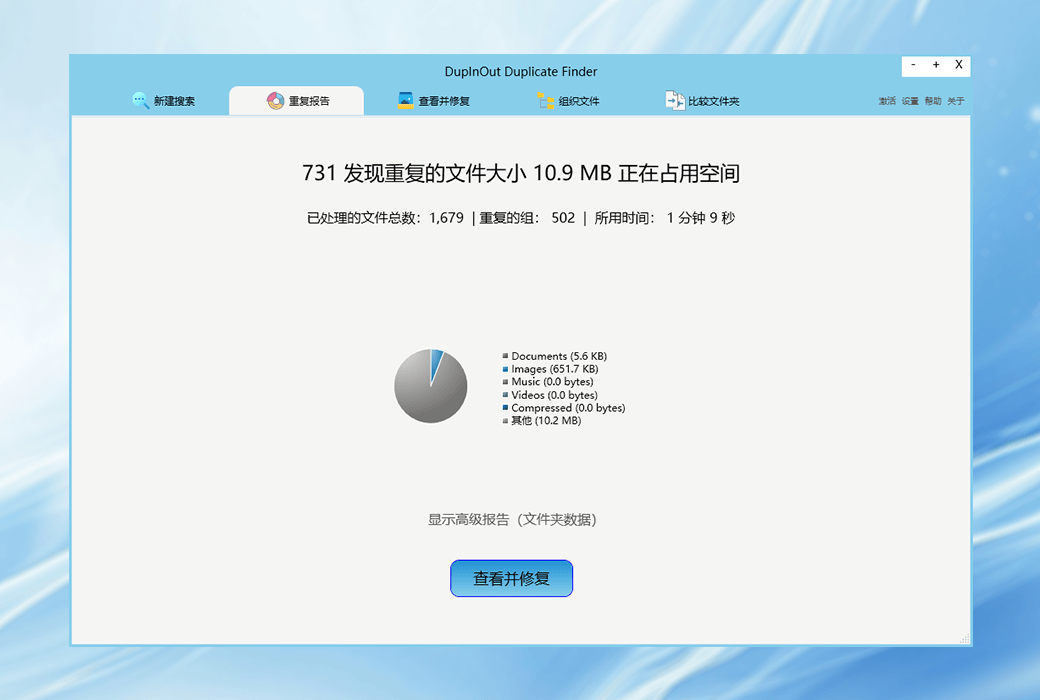
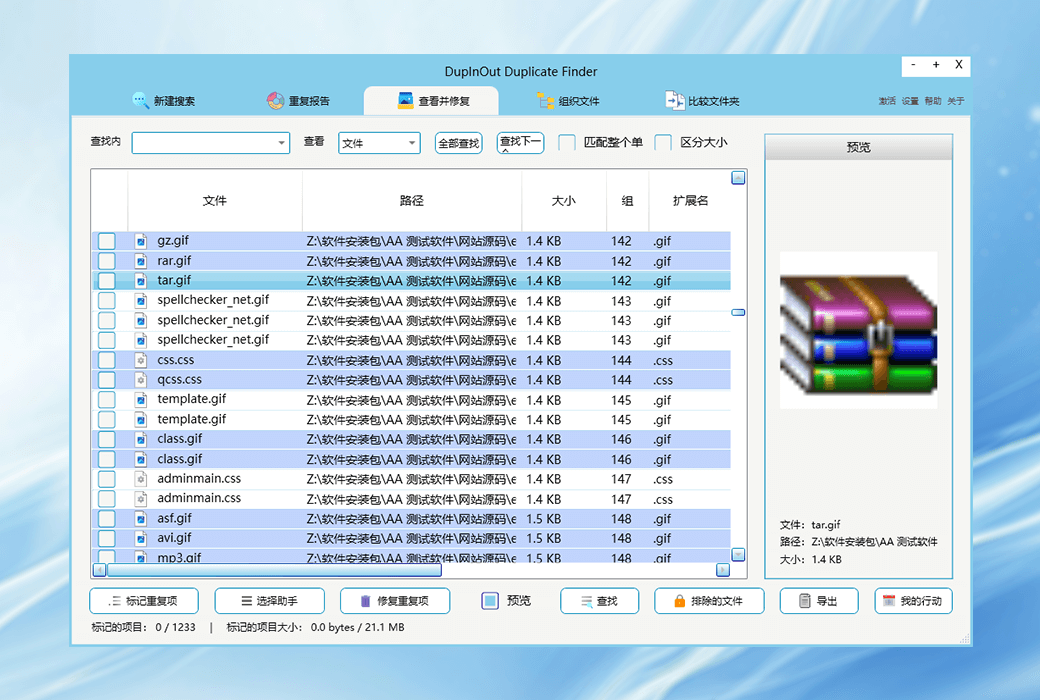
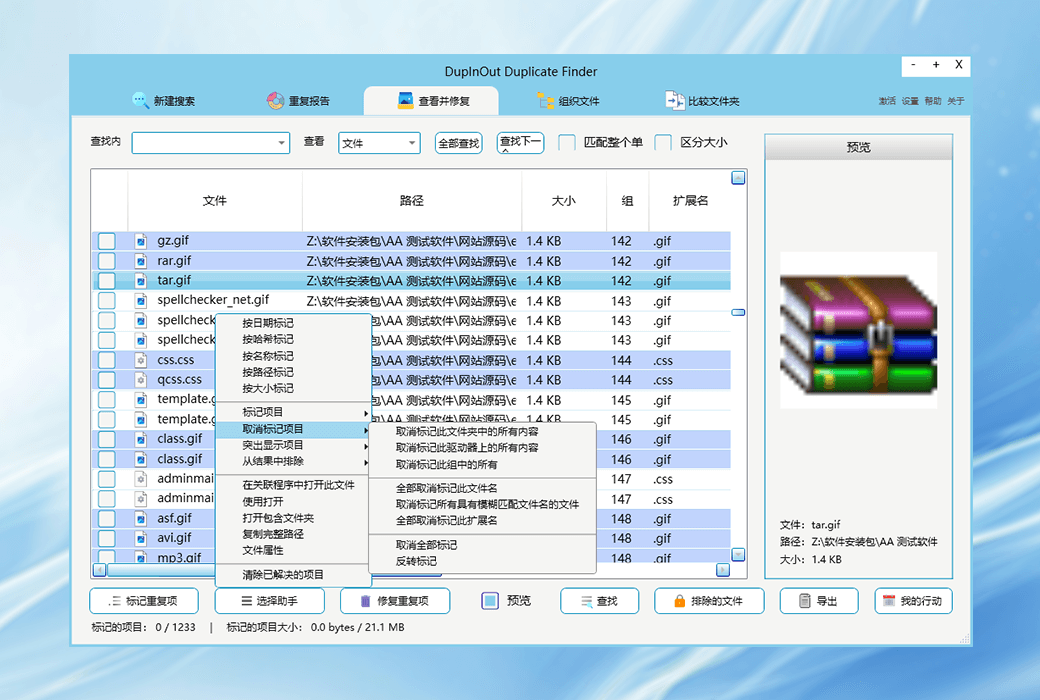
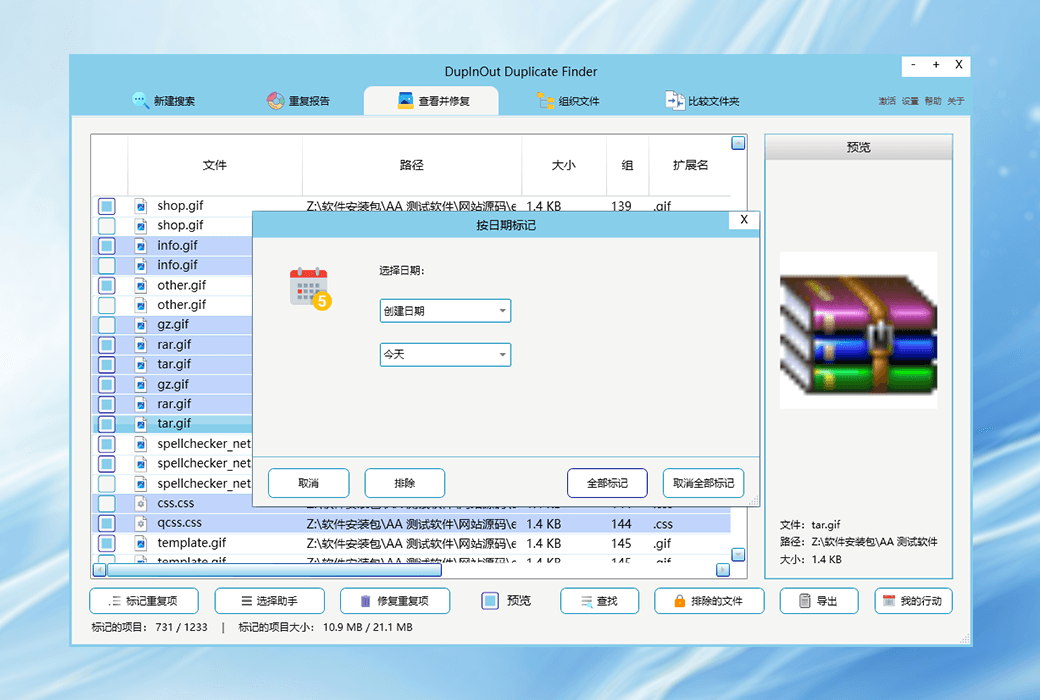
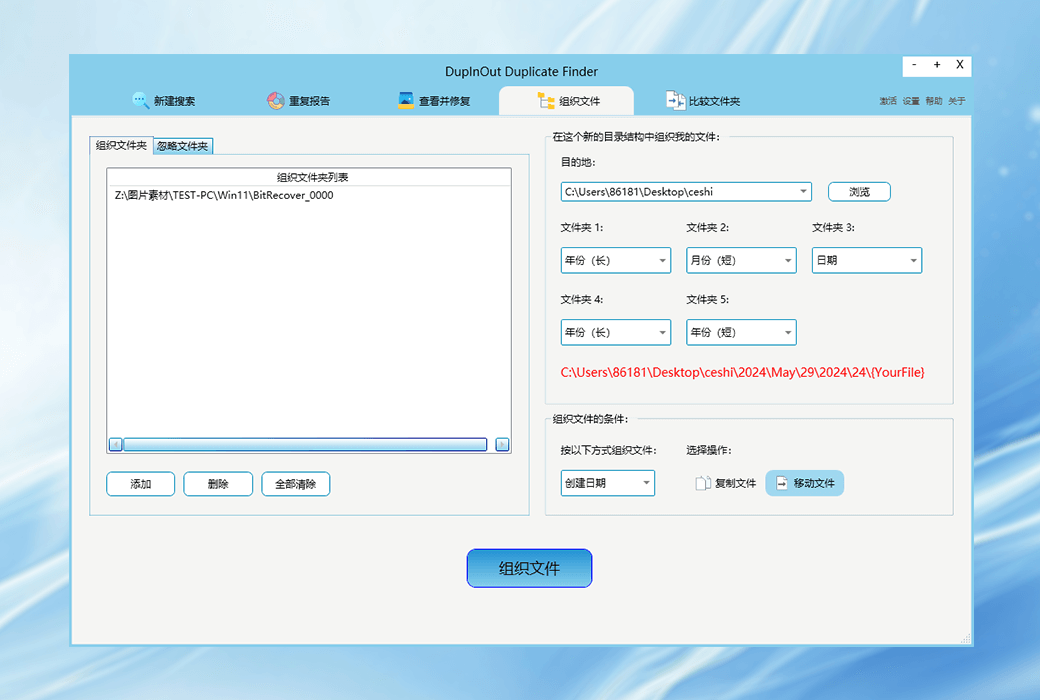
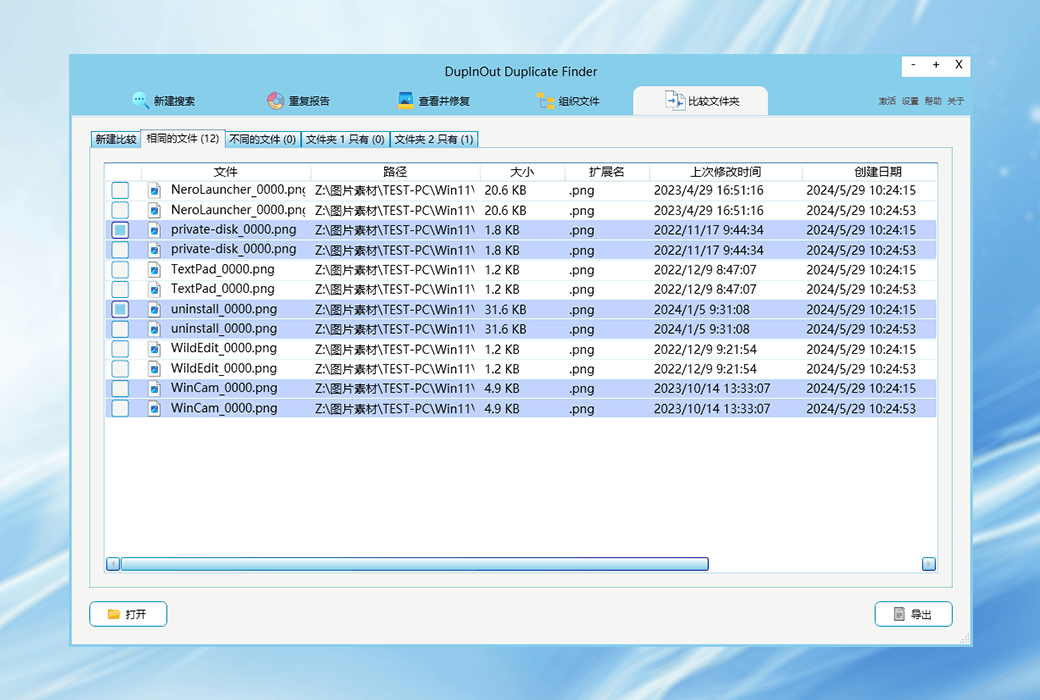
DupInOut is a duplicate file lookup tool designed specifically for Windows users, which can help you quickly discover and delete duplicate documents, music, videos, and photos, keeping your computer clean and organized. Enjoy clean and organized calculations. Faster work speed, higher work efficiency, and less time spent searching for files.
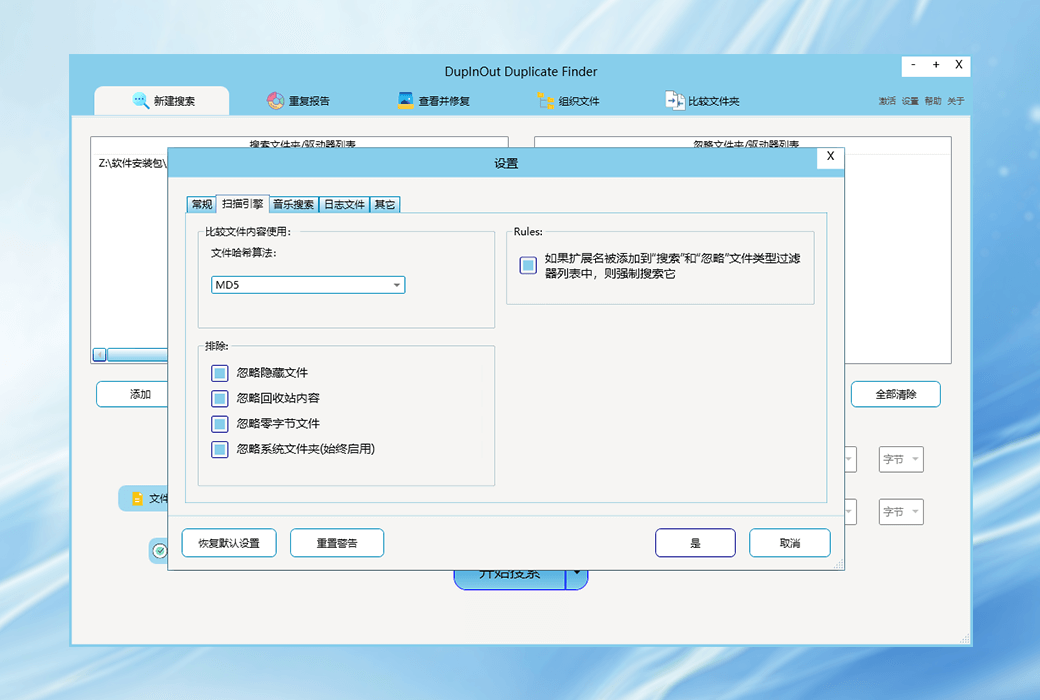
major function
Easy to operate
Official Website:https://www.dupinout.com/
Download Center:https://dupInout-duplicate-finder.apsgo.cn
Delivery Time: Automatic delivery within 24 hours
Operating Platform: Windows
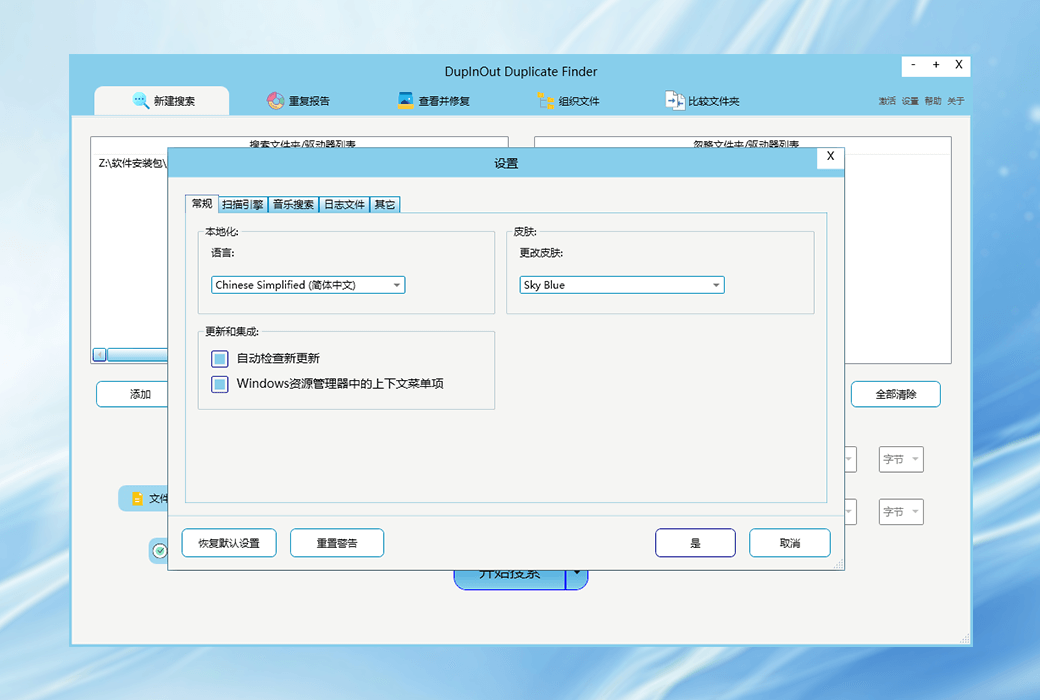
Interface Language: Supports Chinese interface display, with multiple languages available.
Update Instructions: Supports 2-year updates.
Trial Before Purchase: Free trial available before purchase.
How to Receive Your Product: After purchase, the activation information will be sent to the email address provided during the order process. You can also view the corresponding product activation code in your personal center, under "My Orders".
Number of Devices Supported: Can be installed on 1 computer.
Changing Computers: Send a support email to support@dupinout.com with the subject "Transfer My License to New PC", and include your license key in the email body. The official team will reset your license from the server, and your license key will be released for use on your new PC.
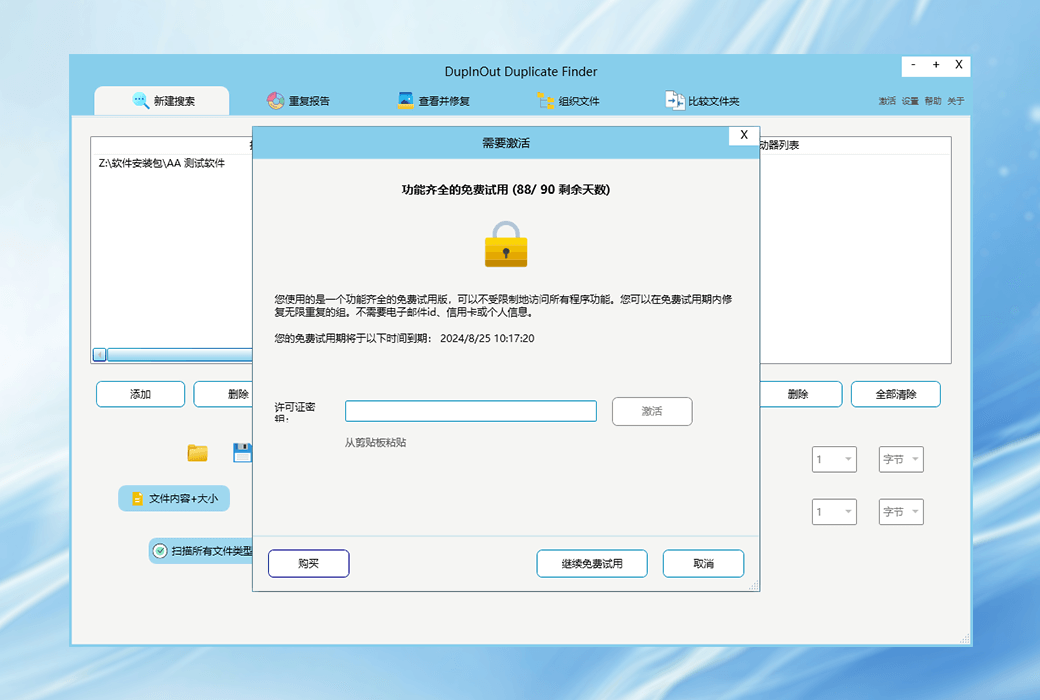
Activation Instructions: Open the software, click the "Activate" button in the top right corner, copy and paste the registration code, and follow the prompts to activate.
Special Notes: Note: The official website only provides 1-year upgrade updates by default. Purchasing through the Softgo Mall will entitle you to 2-year maintenance and upgrade updates.
References:https://www.dupinout.com/faq/

Any question